Questo articolo è in inglese
Stai leggendo nella lingua originale dell'articolo. Il tuo navigatore è impostato in italiano.
How to use your phone as a cash register for your business (no hardware needed)
A cash register can cost between $200 and $1,500. Your phone already does all of that, for free. Here's how to use it as a POS in your business today.
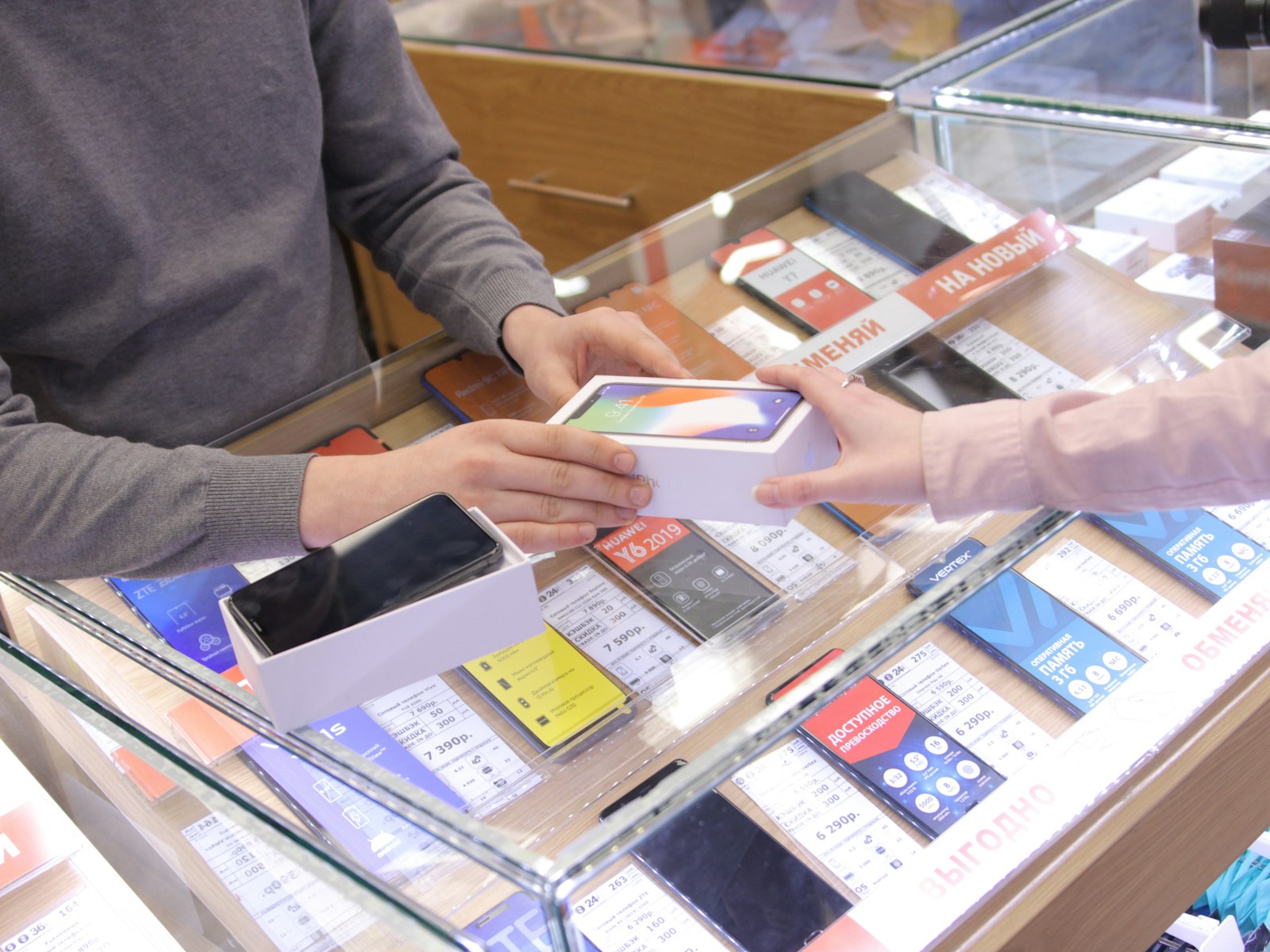
How much does a traditional cash register cost?
A basic cash register costs between $200 and $500. A full POS system can hit $1,500 or more. On top of that, many systems charge a monthly fee of $30 to $80 and require training.
For a bakery that just opened, a neighborhood shop or a market stall, that upfront cost can be prohibitive.
The good news: the phone you already have can do exactly the same thing, for free.
What does a POS on your phone do?
With TIENDAONLINE, your smartphone becomes:
- •Touch catalog: your products appear as large buttons with photo and price. Tap the product, add to cart.
- •Auto total calculator: no doing the math by hand.
- •Payment method log: cash, card (with your external reader), transfer, or store credit.
- •Automatic stock deduction: every sale subtracts from your inventory in real time.
- •WhatsApp receipt: on confirming the sale, you can send the customer the detail with one tap.
How to take payment in your shop, step by step
Step 1 — Open the POS
From the TIENDAONLINE dashboard, tap "Till / POS". You'll see your full catalog with large, tap-ready buttons.
Step 2 — Add what the customer wants
Did they ask for two tacos and a soda? Tap 🌮 twice and 🥤 once. The total updates by itself.
Want to apply a discount? There's a direct field to subtract a flat amount from the total before charging.
Step 3 — Pick how they pay
Choose between: Cash, Card, Transfer or Store credit (if it's a trusted customer who'll pay later).
Step 4 — Confirm and share
On confirm, a green success screen appears. From there you can share the sale summary on WhatsApp with the customer in under 3 seconds.
Do I need internet to use it?
Online mode runs with a connection. If your shop has spots with bad signal, you can install TIENDAONLINE as an app (PWA) on your phone, which improves speed and stability on slow connections.
What about stock?
Every time you make a POS sale, the system automatically subtracts the quantity from inventory. If a product hits 0, its button is locked so you can't sell it by mistake.
No spreadsheets. No manual counts at end of day.
Is it legal to use a phone as a cash register?
TIENDAONLINE does not issue legally compliant invoices or tax receipts. It's a sales management and inventory control system.
If your business is legally required to issue invoices or fiscal receipts (depending on the country), you'll need to combine it with a certified invoicing system. For market sales, home deliveries, informal businesses or those without a receipt obligation, it works perfectly.
How much does it cost?
Free forever on the base plan: up to 50 products, touch POS, WhatsApp orders.
For larger catalogs and advanced profitability reports, Pro plans start at €15/month with 30 days free.
Conclusion
You don't need to spend money on hardware to have a professional point of sale. Your phone is already enough. What it was missing is the right software.
Ready to try it?
Create your free store in 10 minutes. No credit card required.
Create my free store →